
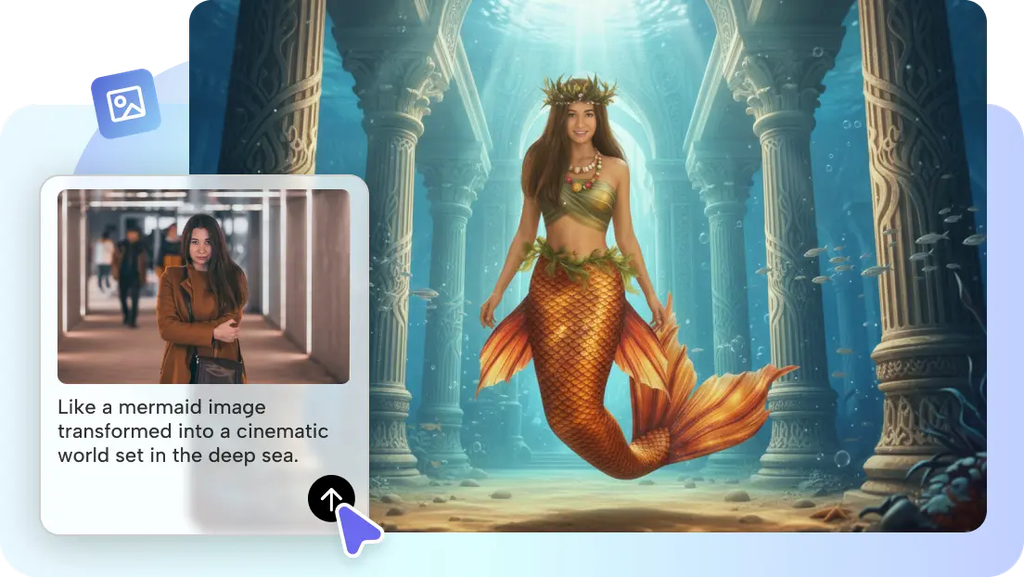
Every kid who ever waved a stick around pretending it was a wand understood something that’s genuinely hard to capture on camera — the moment an ordinary object suddenly feels magical. Pippit’s Seedance 2.5 model can finally show that exact moment, turning a plain household object into a glowing, fantastical transformation sequence, without any visual effects software or spellcasting required.
Since this is fundamentally about magic, let’s write it like a spellbook.
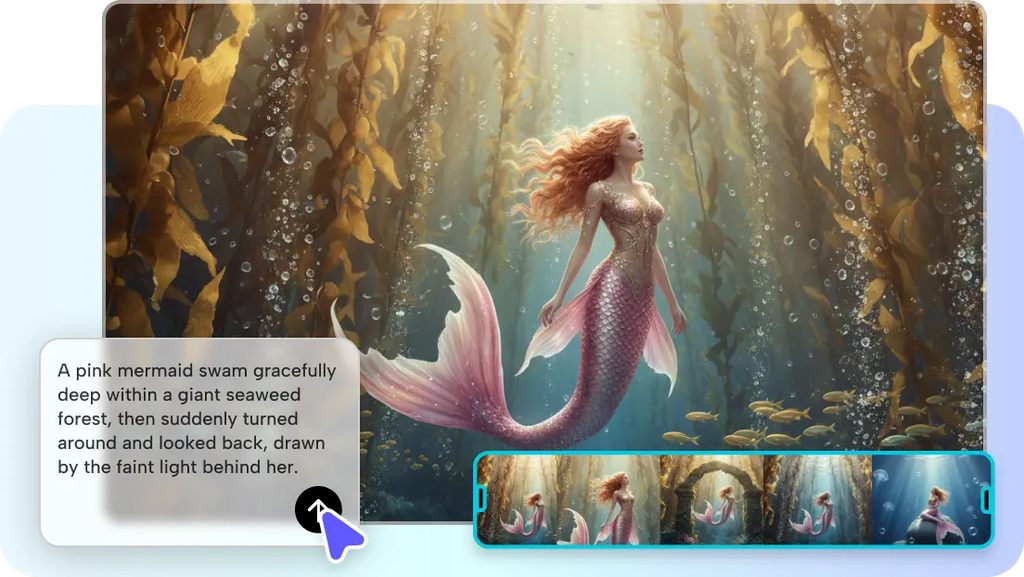
Spell one: the object of choice
Every good transformation spell needs a starting object — and almost anything works. A teacup that glows before transforming into a swirling potion, a house key that shimmers into a tiny glowing dragon, an umbrella that unfurls into a canopy of stars. The everyday-ness of the object is actually the point; the more ordinary the starting point, the more satisfying the transformation feels.
Ingredients: what makes an object transform well on screen
- Simple, recognizable objects with a clear, distinct shape.
- A single, well-lit photo taken against a plain or uncluttered background.
- Objects with some reflective or textured surface — metal, glass, fabric — which catches magical lighting effects convincingly.
- An object that suggests a natural fantasy counterpart, like a book becoming a spellbook, or a lamp becoming a glowing lantern.
Casting the spell: generating your transformation
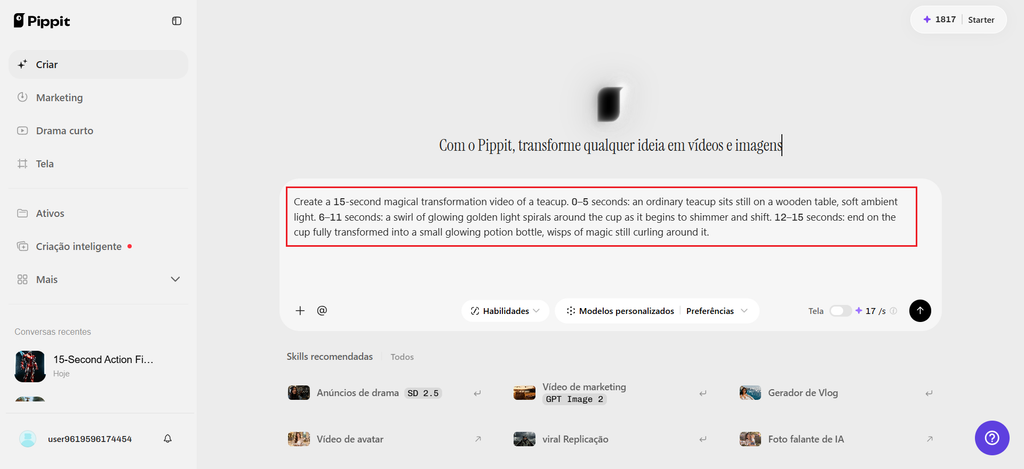
Step 1: Upload your object and write a time-stamped prompt
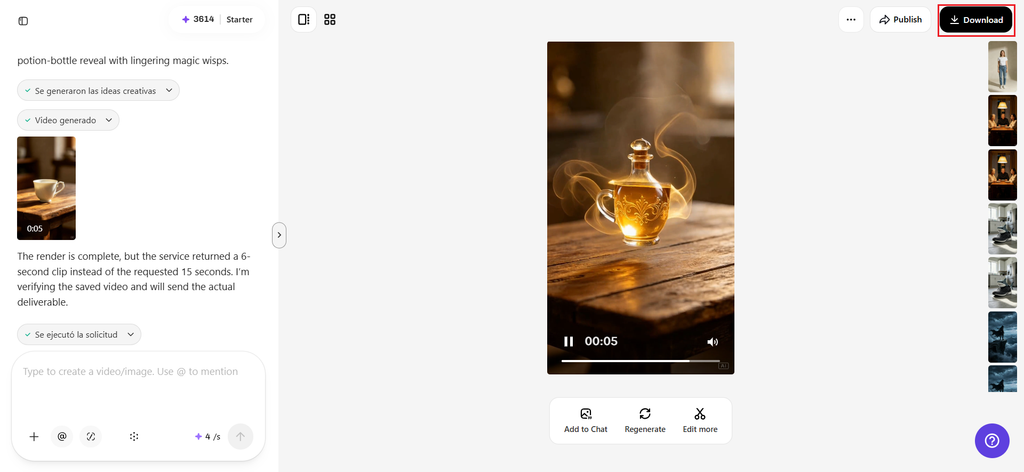
Open Pippit’s Video Generator, select Seedance 2.5, and upload a photo of the object. Write a time-stamped prompt describing the magical transformation.
For example: Create a 15-second magical transformation video of a teacup. 0–5 seconds: an ordinary teacup sits still on a wooden table, soft ambient light. 6–11 seconds: a swirl of glowing golden light spirals around the cup as it shimmers and shifts. 12–15 seconds: end on the cup fully transformed into a small glowing potion bottle, wisps of magic still curling around it.
Step 2: Refining the effect
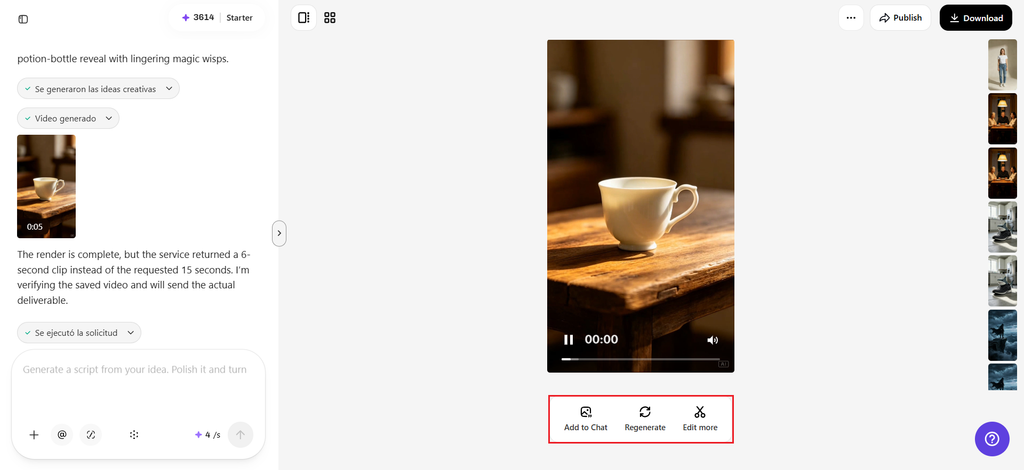
Review the draft against how convincing the magical glow and motion feel — does the light behave in a way that feels genuinely enchanted, or does it need more buildup before the transformation happens? Adjust the prompt if the shift feels too abrupt.
Step 3: Extending and exporting
If the object needs a longer buildup or a second stage of transformation, use the extension feature to add another magical beat without regenerating the earlier footage. Export at the resolution needed for a fantasy-themed content account, a creative portfolio, or a fun personal post.
Sound of magic: scoring the spell with SeedAudio 1.5
A magical transformation feels far more convincing with a rising chime or a soft magical swell building underneath it, and SeedAudio 1.5 can generate that exact sound design to match the moment an object shifts into its fantastical form. Timing the audio’s peak to land exactly on the visual transformation is what makes the “spell” actually feel cast rather than just shown.
The grimoire: what makes Seedance 2.5 suited to this format
Realistic material rendering for believable magic
Improved texture realism helps light, glow, and material shifts read as genuinely magical rather than like a simple filter effect, which is what actually sells the illusion of a real transformation happening.
Physics-aware motion for natural-feeling magic
Realistic simulation of movement helps swirling light, floating particles, and shifting material behave with a believable sense of weight and flow, rather than looking randomly generated or chaotic.
Extended runtime for a satisfying build
With single-clip length increased from 15 to 30 seconds, a transformation has enough room to build anticipation before the actual shift happens, which matters enormously for how satisfying the payoff feels.
Enchanter’s notes: building a full magical world
Choose objects with some thematic connection for a cohesive series — kitchen items becoming potion ingredients, for example. And keep a consistent glow color and magical style across a series so it reads as one connected magical world.
Pair the video with a short “spell name” caption for extra whimsy. Also, treat this as an ongoing AI video generator for an entire fantasy content series, transforming a new object each week rather than treating this as a single isolated effect.
A word of caution on expectations
This format works best when it’s clearly presented as playful, stylized fantasy content rather than anything implying real transformation — younger viewers especially may need a clear, friendly framing that this is imaginative, not literal magic. Keeping the tone whimsical and clearly fictional keeps the format fun without any confusion.
Let the ordinary become extraordinary
Somewhere between imagination and reality, every object has a version of itself that feels a little bit magical, and now that version doesn’t have to stay stuck in someone’s head.
With Seedance 2.5 inside Pippit, that transformation can finally happen on screen. Next time an everyday object catches your eye, it might be worth opening Pippit and casting its first spell.